Animation and frame timing
A frame is one picture in an animation. FPS means frames per second. Changing a position is an update; drawing the new position is rendering. They can happen at different rates. Frames and timing explains the units and why a wait does not guarantee an exact frame rate.
Pliro has no hidden animation syntax or animation runtime language. Animation uses ordinary lists, loops, retained sprites, and waits. Each entry can pair an asset with its frame duration. This example requires a project containing the referenced assets:
# language: en
let walkFrames = [
    ["assets/hero-1.png", 0.10],
    ["assets/hero-2.png", 0.14],
    ["assets/hero-3.png", 0.10],
]

for frame in walkFrames:
    showSprite("hero", frame[0], 100, 220, 48, 64)
    wait(frame[1])

hideSprite("hero")
For a game, physics may update 25–60 times per second while a pose remains visible for roughly 0.10–0.20 seconds. Keep motion position and animation pose on separate clocks instead of changing the image on every physics tick.
# language: en
let x = 300
let y = 160
let speed = 4
let running = true

while running:
    if keyDown("left"):
        set x = x - speed
    if keyDown("right"):
        set x = x + speed
    if keyDown("up"):
        set y = y - speed
    if keyDown("down"):
        set y = y + speed
    if keyDown("space"):
        exitApp()

    clearCanvas("#0f172a")
    circle(x, y, 18, "#22d3ee")
    drawText(320, 20, "Arrows move · Space exits", 20, "#ffffff", "sans", "center")
    wait(0.04)
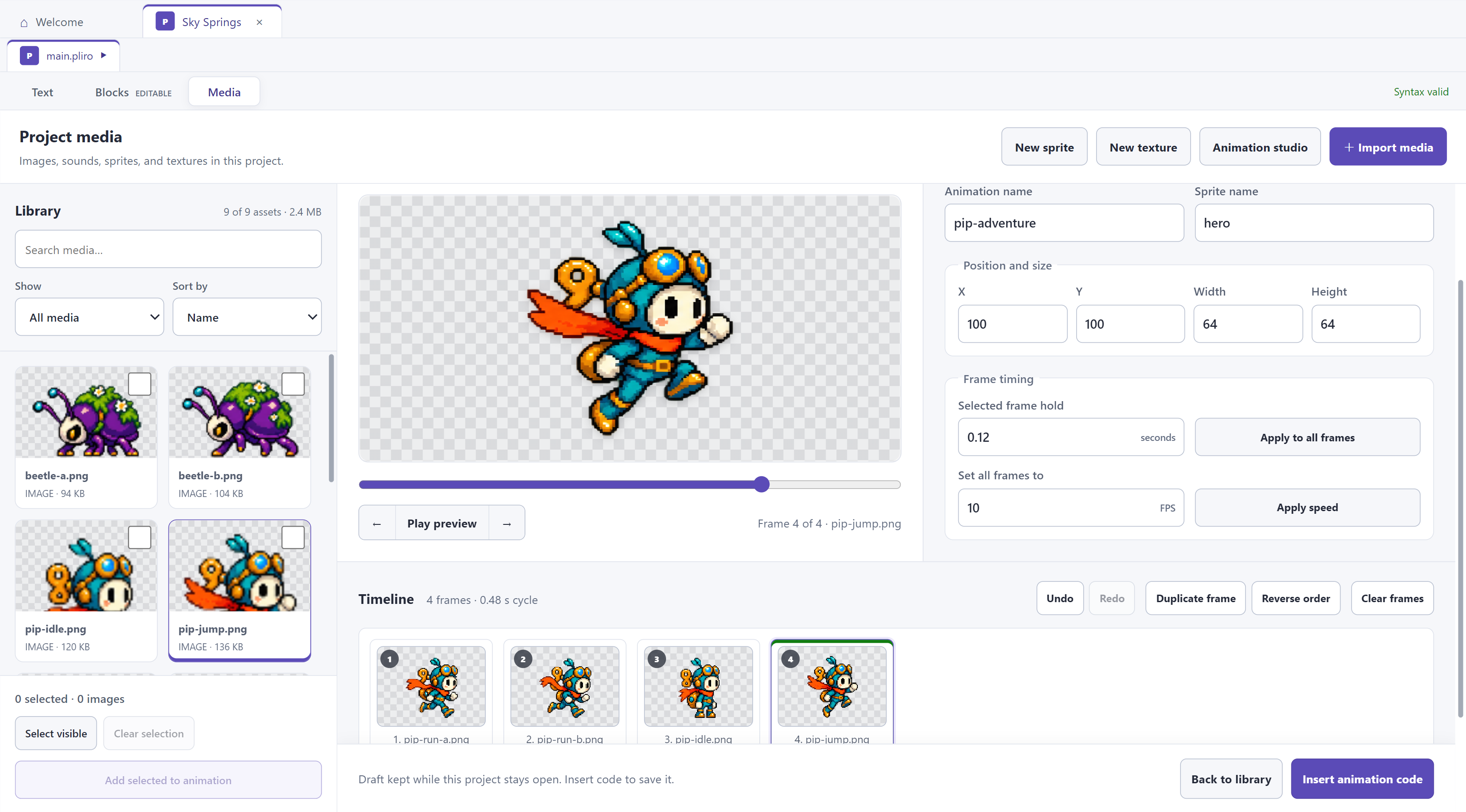
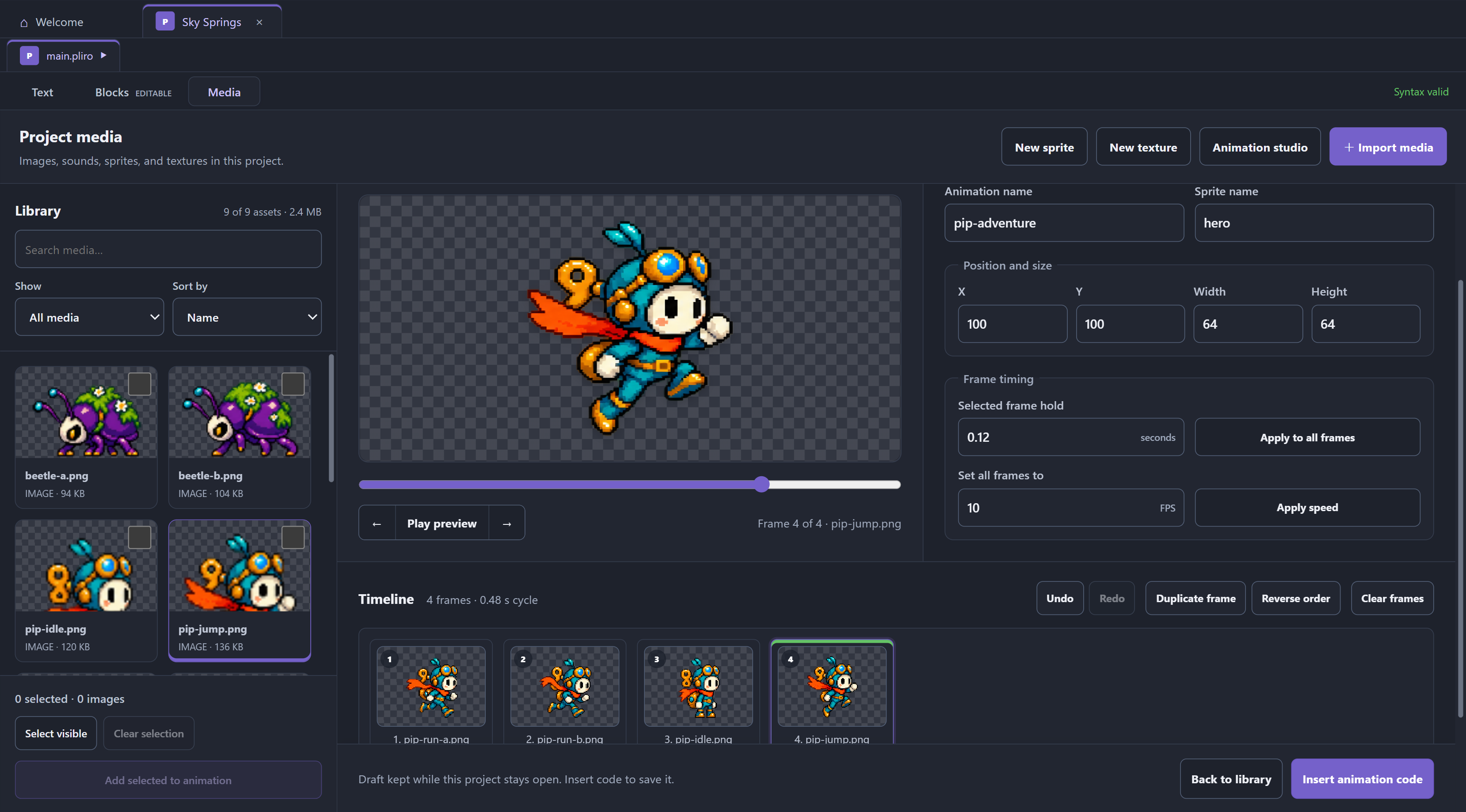
Animation studio
The visual Animation studio requires Creator Pro or its technical trial. Animation through code and the pixel/sprite editor remain free. Applying a timeline creates ordinary Core source that Learner can still run.
Open Media and choose Animation studio. Select or drag project images into the timeline. Reorder, duplicate, reverse or remove frames. Undo/Redo retains up to 64 timeline edits.
An animation has up to 256 frames, each held for 0.04–2 seconds. Change one frame, apply a duration to all, or set 0.5–25 FPS. Setting FPS changes every frame to 1 / FPS seconds. Use playback, frame stepping, the scrubber and zoom to inspect the animation.
Loop preview does not insert a loop into your program. Insert animation code creates ordinary localized lists, sprite calls and a loop with waits. Edit that code in Text and Blocks. Save the project after inserting it. Supported literal frame/duration lists can be reopened as reusable timelines in the studio; an unapplied studio draft remains temporary.