# Building and distributing applications
[Programming guides](README.md)
**Building**, or **compiling**, turns your source code into an application. A **native executable** is a program file made for a particular operating system and processor family. An **operating system**, such as Windows or Linux, manages the computer's programs and devices. A **target** selects where the exported program should work.
The commands below belong in a [terminal](../concepts/command-line.md), not inside a `.pliro` program. A **flag** is an option beginning with `-`, such as `--platform`; the word after it supplies the choice. The **CLI**, or *command-line interface*, is this way of controlling Pliro with typed commands.
## Understanding export options
**Architecture** means the processor family an application is built for. **AMD64**, also called **x86-64**, is a 64-bit x86 architecture; the name does not mean AMD processors only. **ARM64** and **ARMv7** are ARM architectures used by different devices. Pliro's `windows-386` target means 32-bit x86. These labels describe compatibility, not difficulty levels: choose the one your destination supports. **SSE2** names a set of processor instructions required by Pliro's Windows x86 build. **RISC-V** is another processor architecture; that target is currently experimental in Pliro.
**Compression** packs the executable into fewer bytes. **UPX** is the tool used for that packing. It reduces file size; it does not change the target operating system. A **splash screen** is the opening picture shown briefly before the program begins.
**Metadata** is information about the application, such as its title and version in Windows file properties. It is separate from the instructions your program performs. A **version component** is one number between the dots in a version such as `1.0.0.0`.
**Deploying** means preparing and transferring an application to the computer where it will run. **SSH** means *Secure Shell*: an encrypted connection for remote terminal access. Pliro's Pi deployment uses SSH; see the [Raspberry Pi SSH explanation](https://www.raspberrypi.com/documentation/computers/remote-access.html#ssh).
**Deterministic formatting** means the same code and formatting rules produce the same layout. A **canonical execution document** is a machine-readable description of the program using Pliro's shared model, so English and Dutch syntax can describe the same operations.
## Command reference
| Command | Purpose |
|---|---|
| `pliro new` | Create a localized starter project. |
| `pliro check` | Validate a source file or project. |
| `pliro run` | Validate and execute with the Go reference runtime. |
| `pliro repl` | Start a stateful localized interactive session. |
| `pliro fmt` | Format deterministically. |
| `pliro translate` | Convert syntax locale without translating user content. |
| `pliro emit-model` | Emit the portable canonical execution document. |
| `pliro build` | Compile a native application. |
| `pliro deploy` | Build and deploy Raspberry Pi ARM64 over SSH. |
| `pliro version` | Print compiler version. |
Useful examples:
```shell
pliro check program.pliro
pliro run project.bipli
pliro repl --locale en --diagnostics en
pliro build -o program.exe program.pliro
pliro build --platform windows-386 -o program-x86.exe project.bipli
pliro build --compress upx -o small-game.exe project.bipli
pliro build --platform windows-arm64 -o program-arm64.exe project.bipli
pliro build --platform linux-amd64 -o program-linux project.bipli
pliro build --platform linux-arm64 -o program-linux-arm64 project.bipli
pliro build --platform raspberry-pi-arm64 -o program-pi project.bipli
pliro build --platform raspberry-pi-armv7 -o program-pi-armv7 project.bipli
pliro build --platform linux-riscv64 -o program-riscv64 project.bipli
```
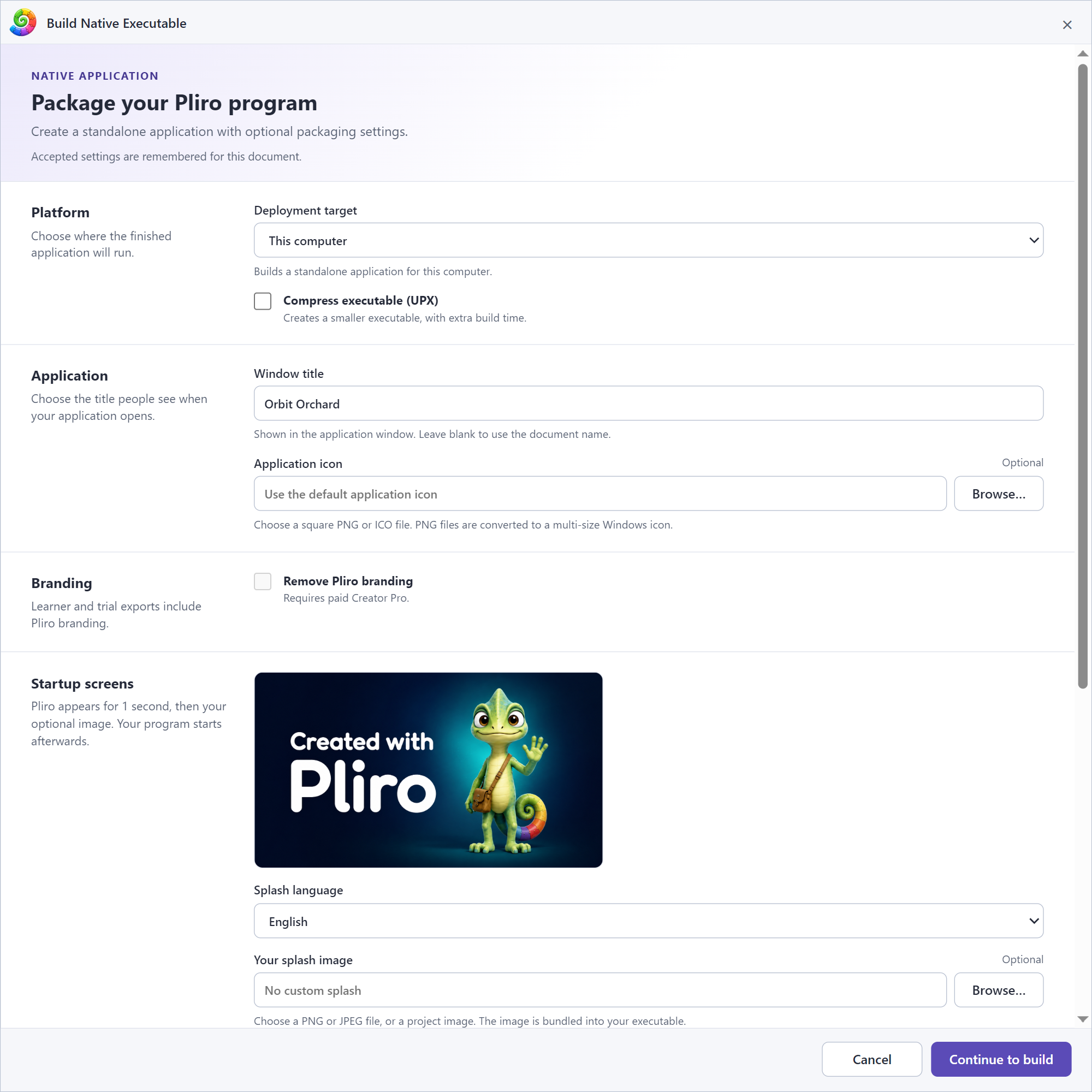
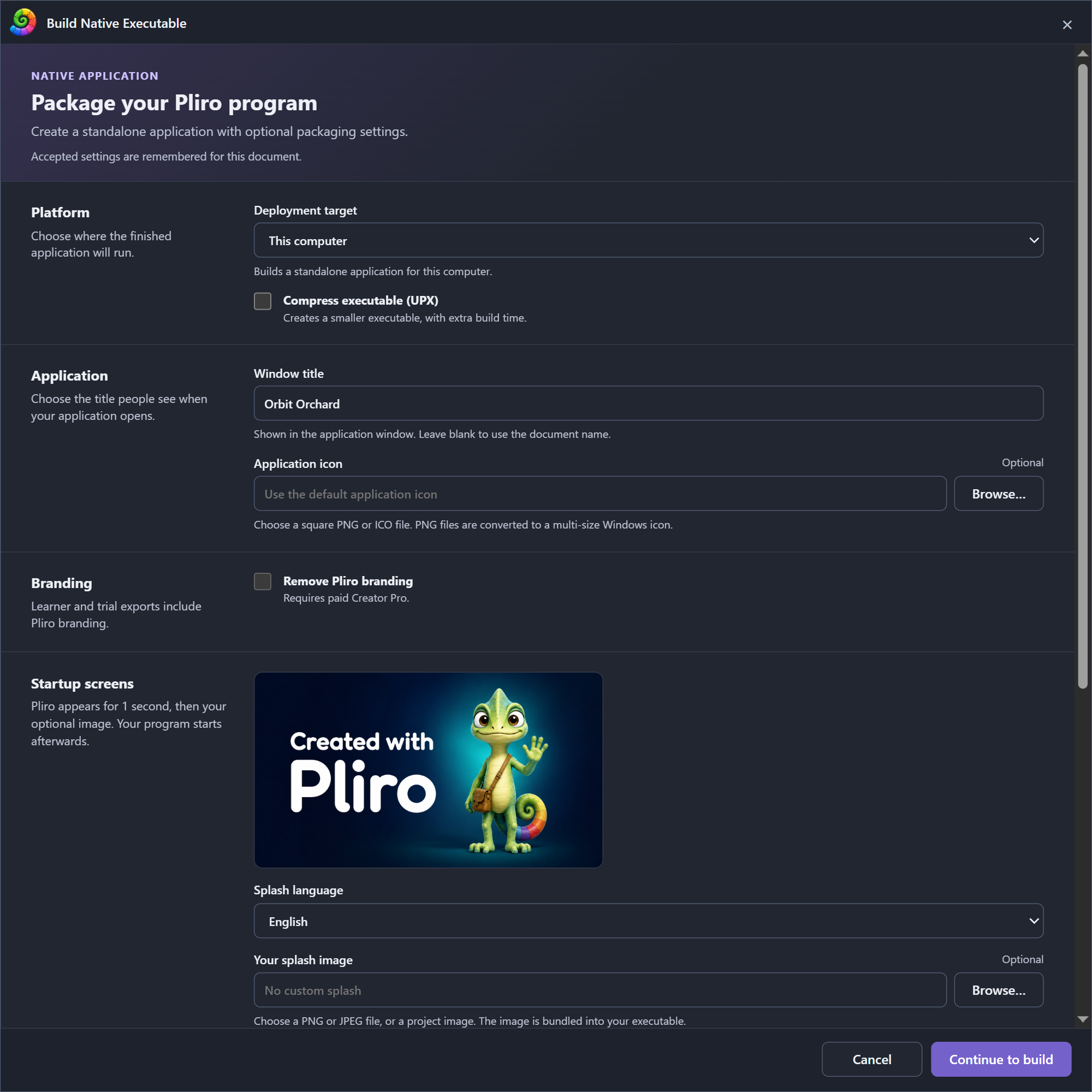
Branded graphical exports show a localized Pli splash for one second. Add an optional
bundled PNG/JPEG with `--splash assets/intro.png`; `--splash-duration 2s` controls
its display time (0.5–10 seconds), and `--splash-locale en|nl` selects the Pli
artwork language. Programs and their timers start after these screens. The [IDE](../concepts/ide.md)
remembers accepted Build dialog settings for each saved source/project.
Use `--compress upx` to pack an exported executable and report saved bytes.
`--compress none` is the default. Windows Build Tools includes UPX; the
exported application needs no UPX installation.
Native build modes are `auto`, `console`, and `window`. Stable targets
include host, Windows x86 (32-bit), Windows ARM64, Linux AMD64/ARM64, and Raspberry Pi ARM64/ARMv7.
Windows x86 requires Windows 10 or later and an SSE2-capable processor; it uses
the existing build tools and does not support Windows XP.
Linux RISC-V 64 is experimental and console-only. The `android-arm64` target
name is reserved by the [CLI](../concepts/command-line.md) but is not an available native backend yet. A
target must support every capability used by the program.
Windows exports embed file properties in console and window modes. `--window-title` selects the application title. Branded exports receive an automatic Pliro credit in the file description. With paid Pro and the branding-removal grant, select **Remove Pliro branding** or use `--remove-branding`. A trial cannot disable that credit.
Product name defaults to the final title; company and copyright default to
empty. Custom copyright text is preserved without adding attribution. Existing
saved copyright text remains editable. File and product versions default to
`1.0.0.0`; one to four decimal components in `0..65535` are accepted and padded
to four components. Set these with `--product-name`, `--company-name`,
`--copyright`, `--file-version`, and `--product-version`. Windows `--icon`
accepts PNG or ICO. Title and metadata are export settings, not Pliro syntax.
Generated applications contain no Pliro product-license check and run
independently of the author's later subscription state.
## Edition and target
Learner can export with mandatory branding for the host OS family and explicit Raspberry Pi targets. Other supported cross-OS exports require Pro. A trial entitlement provides Pro targets with mandatory branding for noncommercial evaluation. Commercial application development under the v1 terms requires paid Pro. See [editions and activation](editions.md) for rights and availability.
Native graphical Windows/Linux/Pi applications support 2D, 3D, sprites, basic forms and synthesized music. Use supported PCM WAV for packaged sound; other codecs may produce a diagnostic. Choose resolution and initial window size in [project display settings](display-settings.md).
## Related entries
[Syntax and values](../syntax/README.md) · [Built-ins](../builtins/README.md) · [Programming guides](README.md)
## Pro tooling and advanced native apps
`pliro debug`, `pliro test` and `pliro profile` provide [development tools](development-tools.md). Advanced native apps require Go 1.25 or newer to build and use the user-supplied `--pliro-permissions` file for [data/network access](advanced-applications.md). They contain no Pliro licence check; the author’s later subscription does not affect the generated app.